

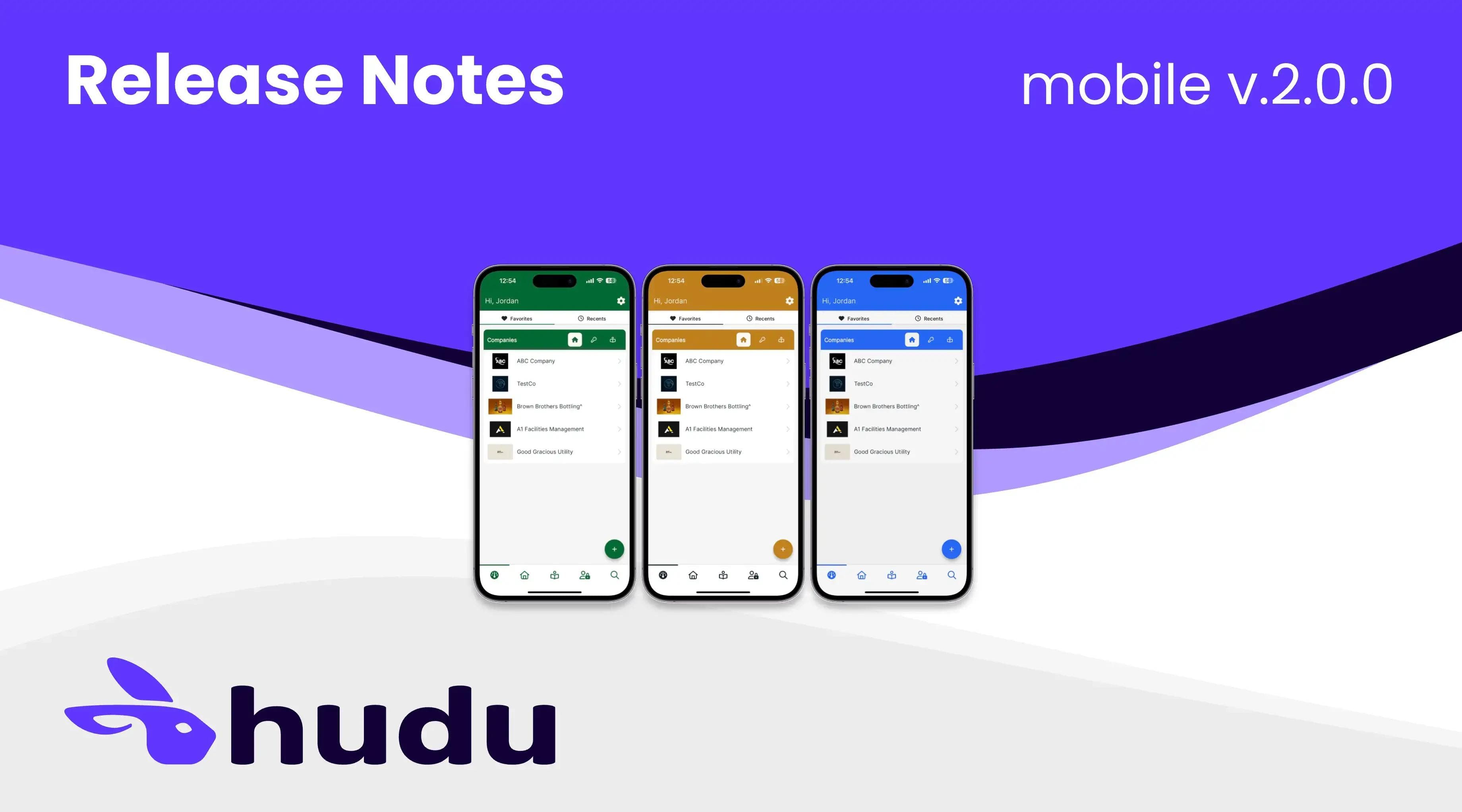
Announcing Hudu Mobile 2.0.0, the latest version of our SOC 2 Type 2 mobile app for Apple and Android devices. In this release, we focused on improving the mobile app’s functionality and performance, integrating processes, and matching the usability of the main app.
New Features
- Processes now available! Create new processes from templates, view all client processes, and complete tasks directly within the mobile app.
- Quick-Add floating action button added for creating new records.
- Allows creation of company passwords, vault passwords, processes, and KB articles (company and global) from any screen.
- Now available to download on Apple silicone Macs (requires macOS Big Sur or later).
- Customize and set idle user timeout duration in the main app Admin section.
- Enable/disable biometric authentication added to main app Admin section.
- Added the ability to customize and set the time biometric authentication is valid for a user.
- Disable mobile access from within the main app Admin section.
- Open native maps: Action button added to the Company Overview page to open addresses in Apple or Google Maps.
- Call phone number: Action button added to Company Overview to directly call client phone numbers.
- KB article flags are now displayed when viewing KB articles.
- KB article draft status is now displayed when viewing the article lists.
Improvements
- New dashboard design allows for quickly accessing favorited companies, passwords, and articles, while the Recents tab allows you to easily navigate back to previously viewed items.
- All Companies view improvements:
- View a list of all company/client environments from the Companies tab or use the Favorites tab to narrow down.
- Choose any two records [Password, Processes, KB Articles] to be displayed on each company from the Settings tab to quickly view and access the respective tool sections.
- UI/UX for folders updated across various tools (Passwords, Client KB, Global KB) to improve navigation.
- Updated search functionality across application: Search globally (all items) or filter by Company, Password, or KB article to quickly find information.
- Enhanced mobile login process.
- Made improvements to auto-filling Hudu passwords.
- Improved the list scrubber to assist in navigating long company lists.
- Improved biometric authentication when viewing passwords and TOTP codes.
- Mobile theme colors updated to match main app.
- Mobile icons updated to match main app.
- Various other UI/UX improvements across the app.
Bug Fixes
- Resolved issues where Hudu mobile was not recognized by device password managers.
- Resolved an issue where the mobile app sign-in would expire prematurely.
- Addressed a bug with FaceID sign-on expiring.
- Fixed an issue where the mobile app would require a 2FA code each time you signed in (regardless of user timeout set).
- Fixed an issue where company maps were not displaying correctly on the Overview page.
- Resolved an error code issue when inputting instance URL.
- Various other minor bug fixes and enhancements.
Stay up to date on Hudu news.
Subscribe to this blog (below) to get Hudu news and information delivered to your inbox. We will update you on major releases and events like our quarterly product webinars.