
Hudu Radar brings automated network discovery and device visibility directly into your documentation platform. With Radar, you can scan networks, discover devices, and document them all in Hudu—keeping environments accurate and up to date without extra steps.
Key Highlights
Save time and reduce manual work
Radar automates the process of creating and maintaining networks and devices in Hudu.
- Instead of manually adding each network and it’s IP addresses, Radar discovers them and creates them for you.
- Instead of creating assets for each device one by one, Radar detects devices and automatically builds assets with the details it collects.
- New assets are automatically related to the IP addresses they belong to, making relationships clear in Related Items.
By cutting down on manual entry, Radar not only saves time but also reduces the risk of data entry errors.
Automated network scans
Radar is a desktop application that scans available networks every 35 minutes, automatically detecting connected devices. It runs on Windows 10+ and Windows Server 2016+ and is available for both hosted and self-hosted Hudu instances.
If device data changes, Radar automatically updates the asset in Hudu during its next scan. Every change Radar makes is recorded in Hudu’s activity logs, so you always know what was updated and when.
Detailed device information
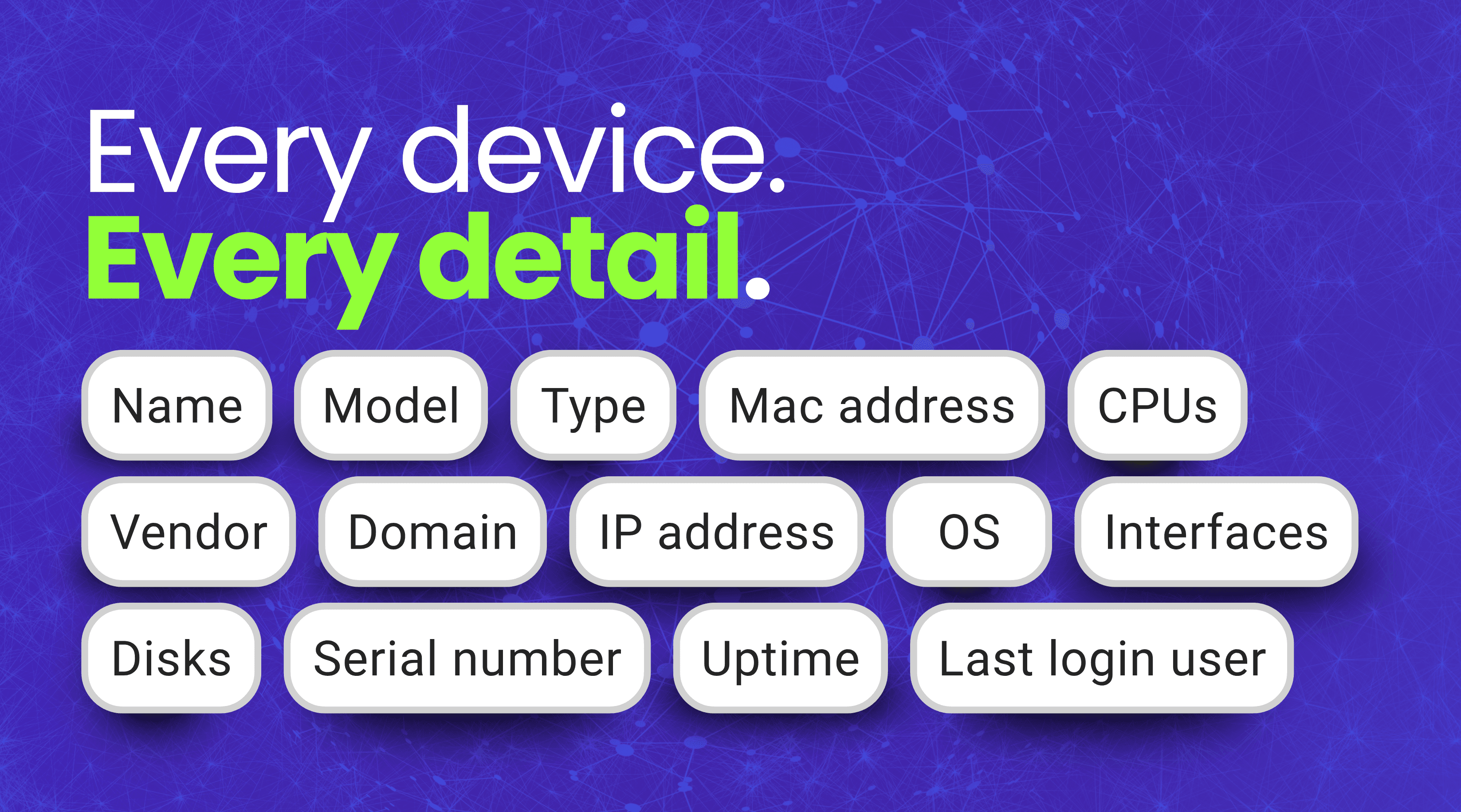
Radar collects key details about devices on your networks, including IP address, type, MAC address, vendor, name, domain, operating system, serial number, model, CPUs, disks, last login user, uptime, and interfaces.
Warranty tracking

Radar also helps make warranty expiration tracking easier by automatically creating a warranty expiration if vendor and serial numbers are found.
Network mapping
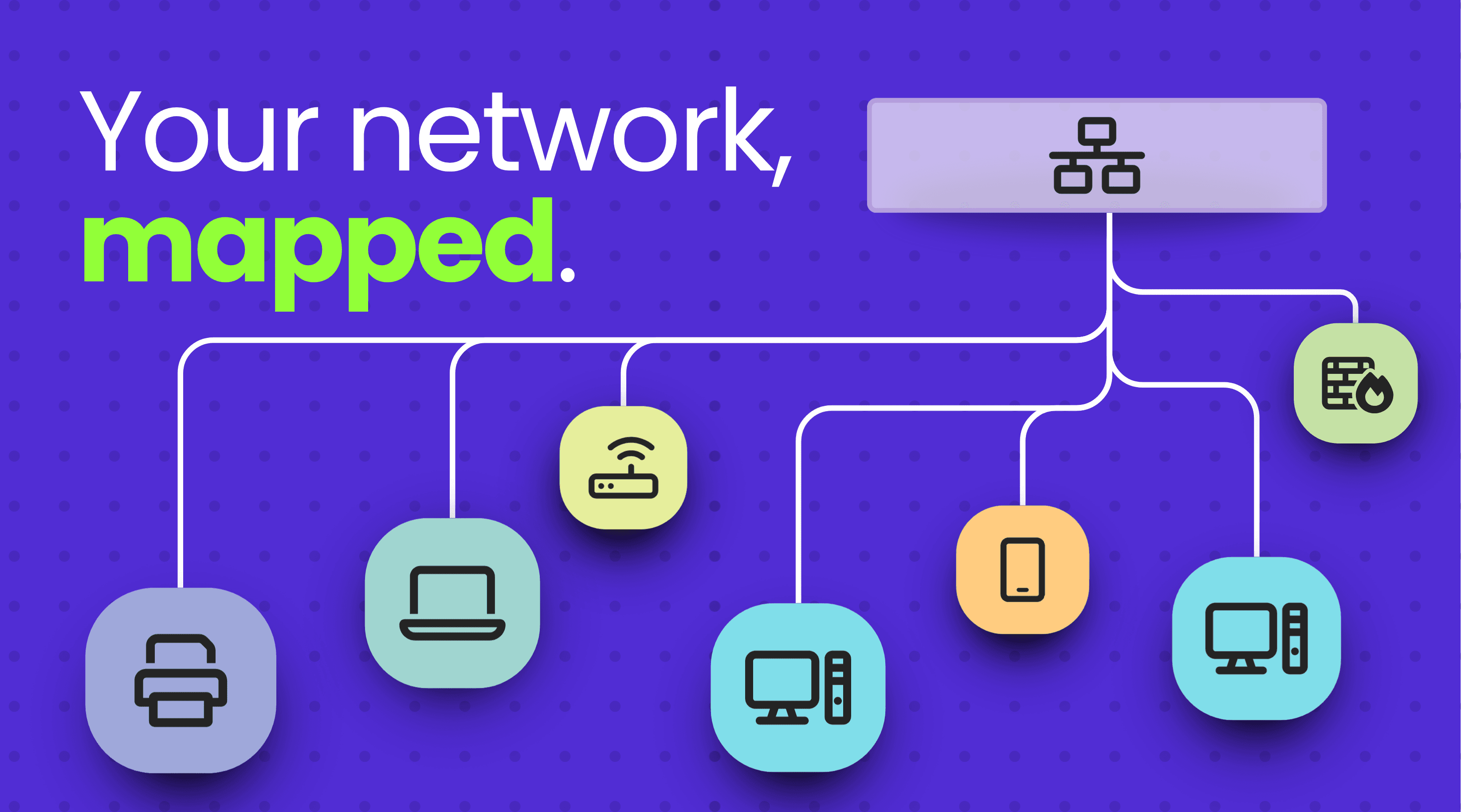
Generate clear network topology views to instantly see how every device connects, communicates, and interacts across your environment. With a single glance, you’ll understand the full structure of your network.
Hudu Radar Agent
When device data cannot be gathered over the network alone, the optional Radar Agent provides additional detail. Installed directly on devices, the Agent sends updated information every 15 minutes. It is available for Windows 10+ and Windows Server 2016+.
Quicker offline detection
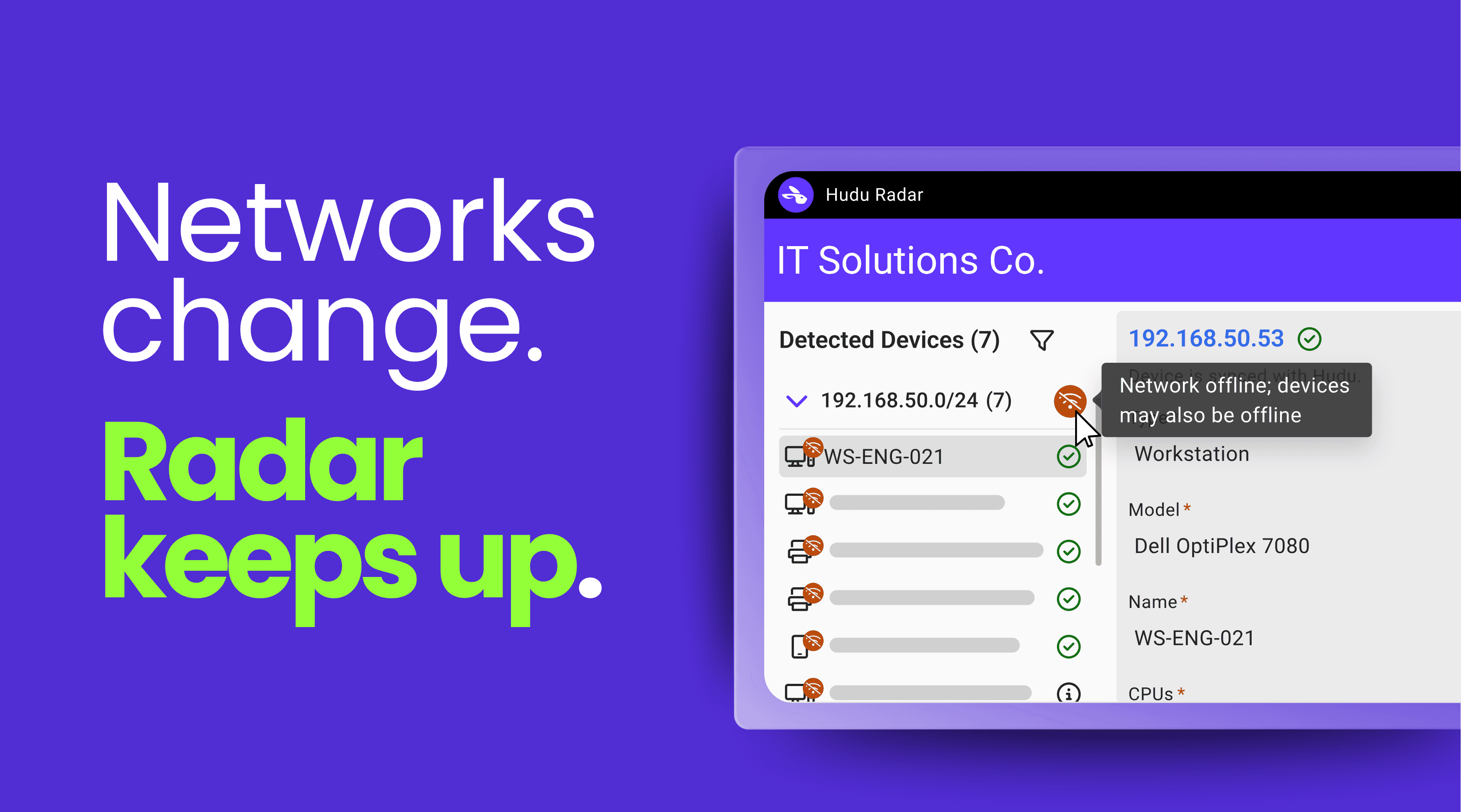
If a network or device connected to Radar goes offline, Radar displays a visual indicator, helping you identify issues faster.
Simple licensing
Radar is licensed at $9/company/month when paid annually, with unlimited networks, users, and Radar Agents included. Purchase through HuduHQ, enable Radar in your Admin settings, and download the installer to begin scanning. Agents can be deployed directly from the connected network details page after the first scan.
Get started today
Hudu Radar is available now for all hosted and self-hosted users. Purchase through your HuduHQ billing page, enable it in your Admin settings, and start scanning networks to bring every device into view.
Discover. Document. Done — with Hudu Radar.