
IT documentation software that keeps every client consistent

Built for IT teams and MSPs that support multiple environments. Standardized templates mean your whole team can find, update and use documentation without a learning curve.

5,400+
IT teams trust Hudu
70+
Countries supported
4.7/5
G2 rating
96%
Customer satisfaction rating

Documentation that isn't structured is documentation nobody trusts

Every client looks different

  • Without a shared structure, techs waste time re-learning where info lives every time they switch clients. Context-switching kills resolution speed.

Critical info is buried or missing

  • Passwords in one place, network maps in another, configs in someone's head. When it's scattered, the right answer takes 10 minutes instead of 10 seconds.

New hires take months to get productive

  • If your IT documentation doesn't have a predictable structure, every onboarding means weeks of "where do I find X?" and shadowing instead of doing.

Structured IT documentation, from day one

Every client environment follows the same layout. Your team stops guessing and starts resolving.

Define it once, use it everywhere

Create structured forms for servers, desktops, network devices — any asset type. Define the fields once, and every client environment inherits the same layout. Technicians always know exactly where to look.
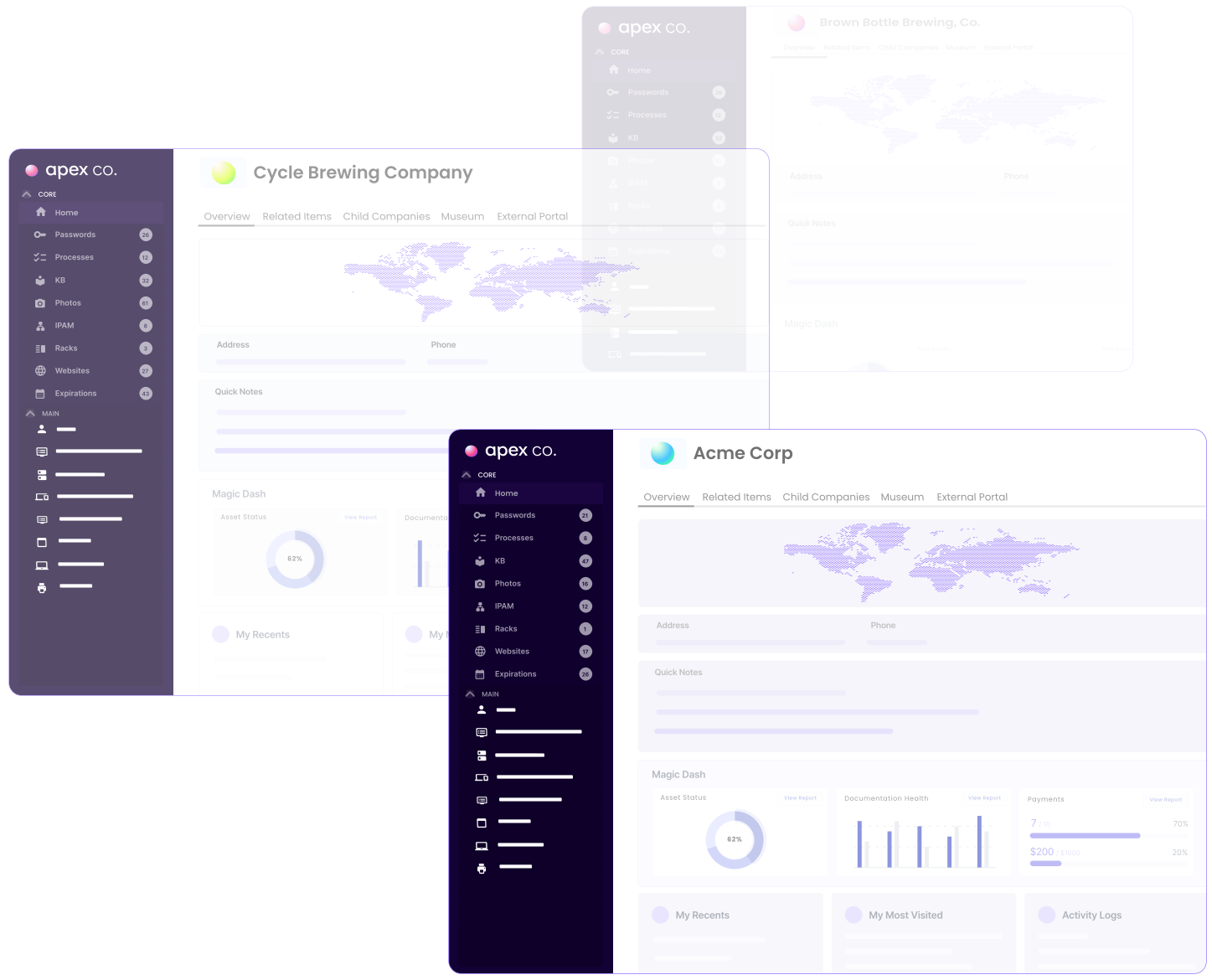
Drag-and-drop form builder with field validation
Layouts standardized across all companies
Gold Standards mark best-practice documentation examples
Multiple client environments with the same structure

Assets, passwords, and configs — all connected

Every piece of IT documentation links to related items. A server links to its credentials, its network config, and the client it belongs to. No more tab-switching to piece together the full picture.
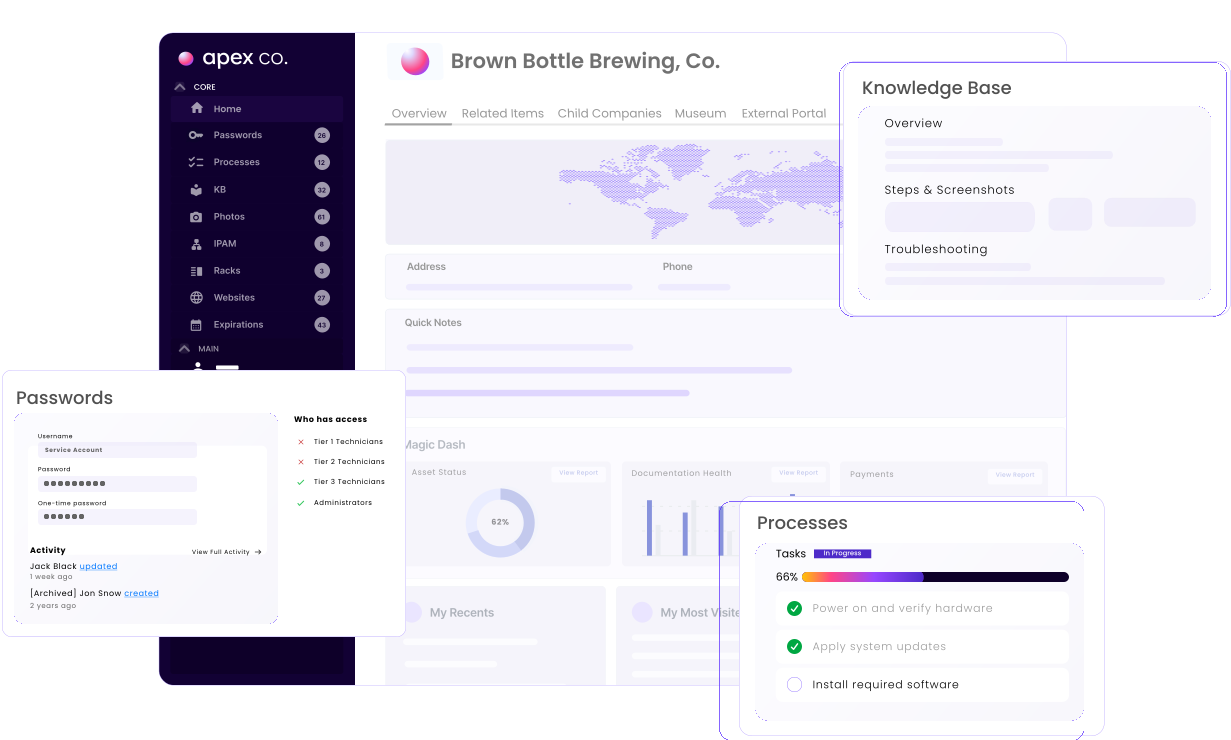
Relationship mapping between assets and documentation
Built-in password vault with TOTP support
IPAM and rack management in the same workspace
Client environment showing everything connected

Connects to the tools you already run

Hudu syncs with your RMM, PSA, and network tools so device data, client info, and configurations flow in automatically. No manual imports. No stale records.

Native ConnectWise, Datto, NinjaOne, and Meraki integrations
Full REST API for custom workflows
Automatic device and client imports
Connect Hudu with your favorite tools and platforms.

Up and running in under 5 minutes

No sales calls. No implementation projects. Just documentation that works.

Start your free trial

  • Create your workspace instantly — one email, no credit card. You get full access to every feature for 14 days.

Set up your asset layouts

  • Use pre-built templates for common IT assets (servers, workstations, network devices) or build your own with the drag-and-drop form builder.

Import and connect

  • Bring in existing data via integrations or CSV. Connect your RMM and PSA so device records sync automatically going forward.
All the customer data techs require is in one place — structured, properly laid out and easy to work with. It's the one app our technicians love more than everything else we use.
BF
Ben Filippelli
Chief Technologist, Level5 Management

How Hudu compares

Purpose-built for IT teams. Not adapted from generic wikis.

Structured asset layoutsBuilt inManual tables
Password vault with TOTPBuilt inRequires plugin
IPAM & rack managementNativeNot available
RMM / PSA integrationsNativeThird-party add-ons
Client-ready portalsBranded & secureGuest hacks
Self-hosted optionAvailableVaries

Get your IT documentation under control

Join 5,400+ IT teams using Hudu to keep every client environment structured, searchable, and secure.