
Securing your Documentation
Tips & Tricks: Alerting
Learn practical alerting tips & tricks to fine-tune notifications, reduce noise, and help your IT team respond faster and smarter.
Having the ability to track and monitor expirations is only useful if you are easily able to see them in a timely manner. This is when alerting comes in to play. In Hudu, you can create alerts for your expirations that can be sent to an email or triggered via webhook to your slack, teams, and/or other channels. You can also use the "Trigger alert X days before expiring" feature to make sure that you have plenty of time to handle your warranty or renewal expirations. You can set these up by navigating to the admin page -> Alerts -> New Alert.
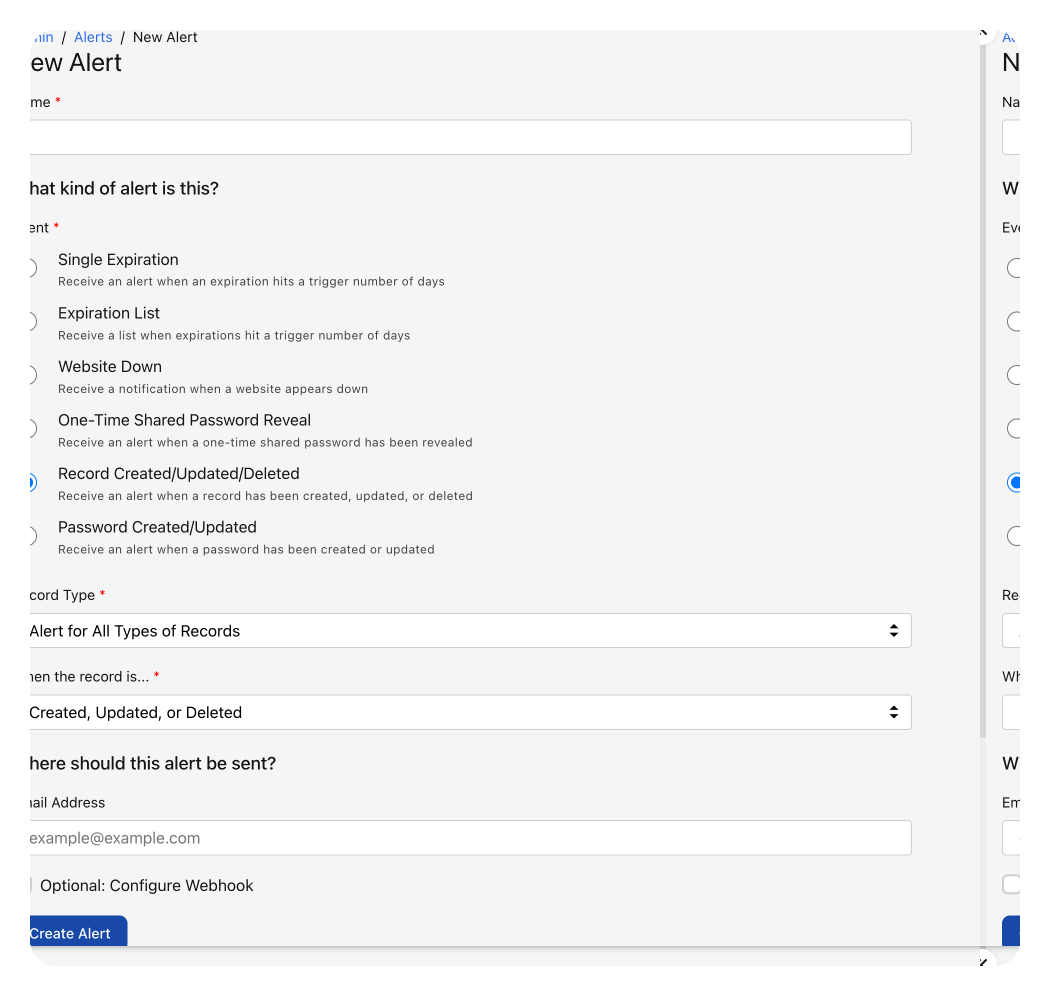
Not only can you set up alerts for your expirations, but also when something is being created, updated, or deleted within your documentation. If you want to be alerted every time a password is changed, simply set an alert for it. If you want to be alerted when a KB article is created, you can do that too.
Creating alerts for these items in Hudu allows you to always be "in the know" for your documentation. We provide you the flexibility to be as knowledgeable as you want about changing documentation, providing you tailored visibility for your companies needs.
See what calm feels like
Give your team a documentation system they can rely on — during onboarding, incidents, and everything in between