
Securing your Documentation
Tips & Tricks: Sharing Methods
Securely share passwords, processes, and articles with one-off links — give access to exactly what’s needed, nothing more.
In addition to the external portal, which is the most comprehensive way of storing and sharing documentation for the end user (or really anyone that just needs limited visibility), Hudu also provides an alternative feature to easily create one-off share links for different core tools in Hudu such as:
- Passwords
- Processes
- KB articles
Creating one-off share links for these items can be extremely beneficial when you need to send someone a single piece of their documentation.
Share Passwords
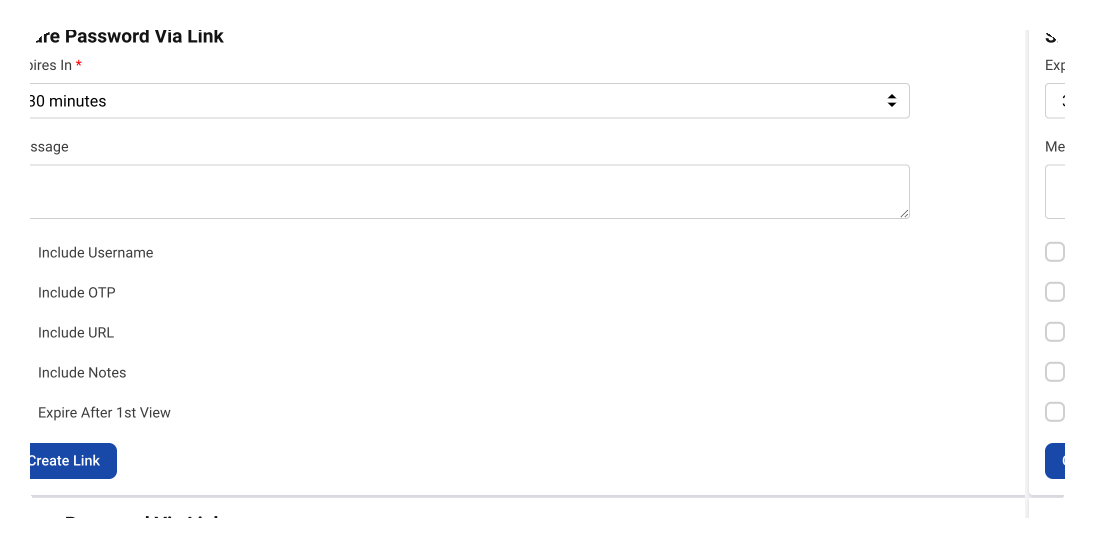
The screenshot below shows the ability to create one-off share links for passwords. These can then be sent through email or copying to your clipboard. You can include exactly what is needed. For example, if you ever need to send an OTP to someone, you can solely provide that to them.
Password links are encrypted in transit. If "expire after 1st view" is selected, viewers can only reveal the password in the link you send them once. Once it is used, the password information will no longer be accessible.
Share Real-Time Status Reports of Processes
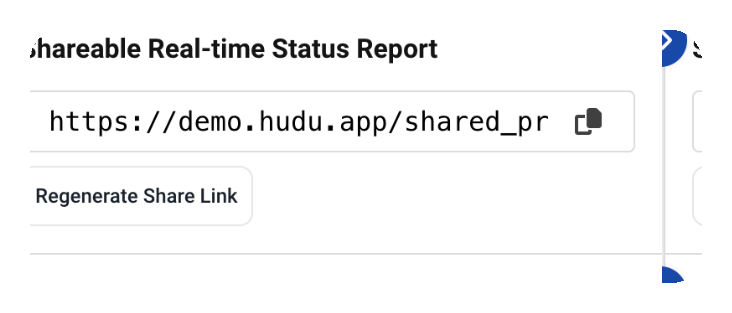
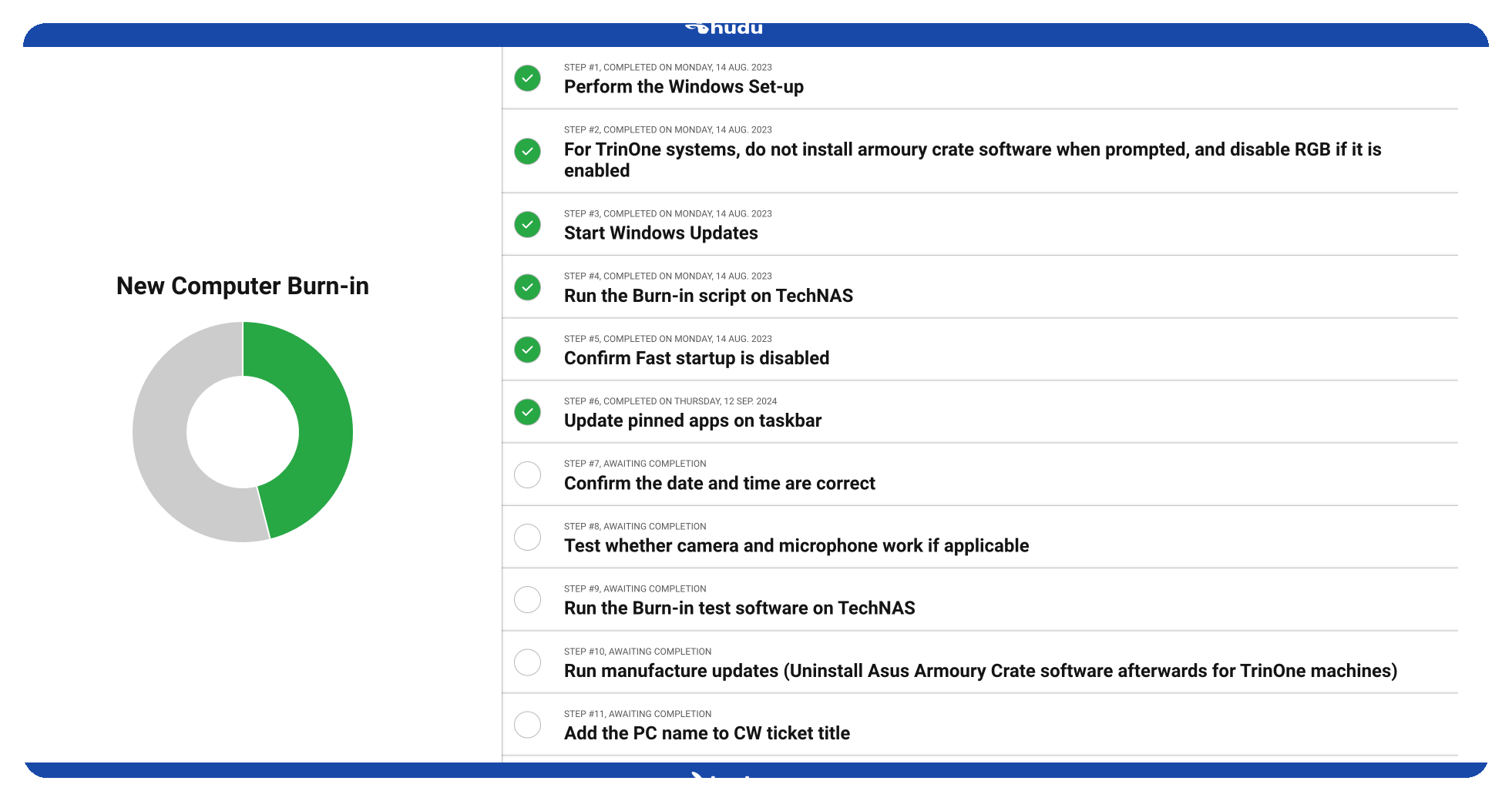
Do you want to provide visibility into your checklists or SOPs? Process sharing is a bit different than our other sharing methods. The only way to share processes out to individuals outside of your Hudu instance is by creating a real time status report link. Say the manager of a company wants to be involved and know when a process/SOP is completed. This feature will allow you to do this. Not only will this create another touchpoint with your customers but this will also allow the individual to keep track of all of the work you are doing for them, getting updates with each step you are completing.
Share KB Articles
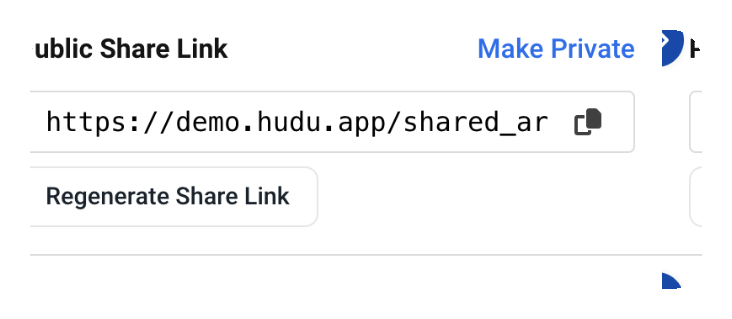
One other one-off share link you can create in Hudu is for your KB articles. Each KB article will have its own public share link that you can share. With the process and KB share links, you can regenerate them at any time.
Sometimes, you don't want to put everything into the external portal. You can utilize these one-off share links to quickly send individual pieces of your documentation. Whether it be creating another touch point with your customers or just providing someone a resource when they need it, these links will allow you to do so.
See what calm feels like
Give your team a documentation system they can rely on — during onboarding, incidents, and everything in between